Culture-fit job app
Mobile app
6 months
Job seekers
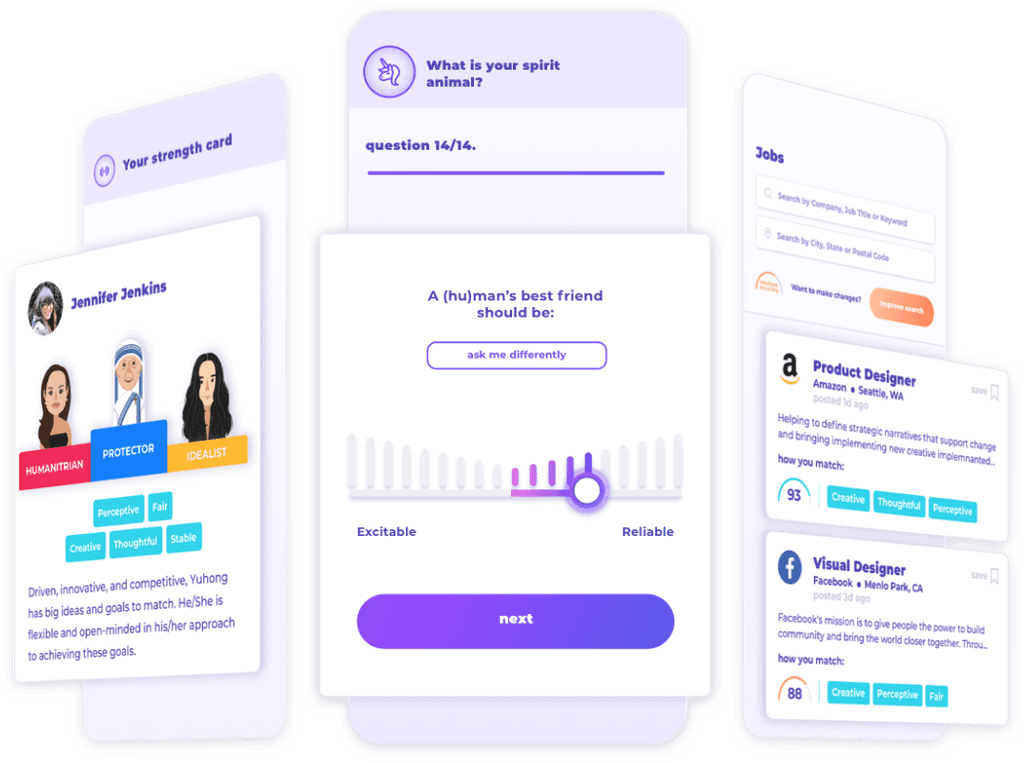

What is Good&Co Culture-fit job app?
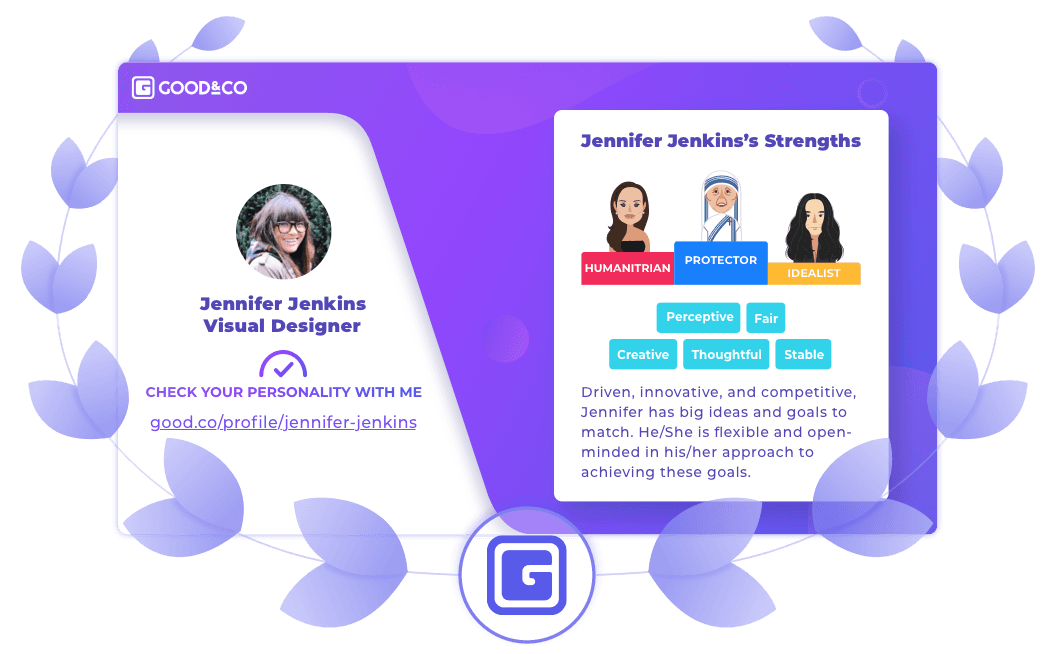
Culture Fit Job App helps users discover their dream job through short, fun quizzes. More quizzes create a detailed personality profile, improving job match accuracy.
Goal
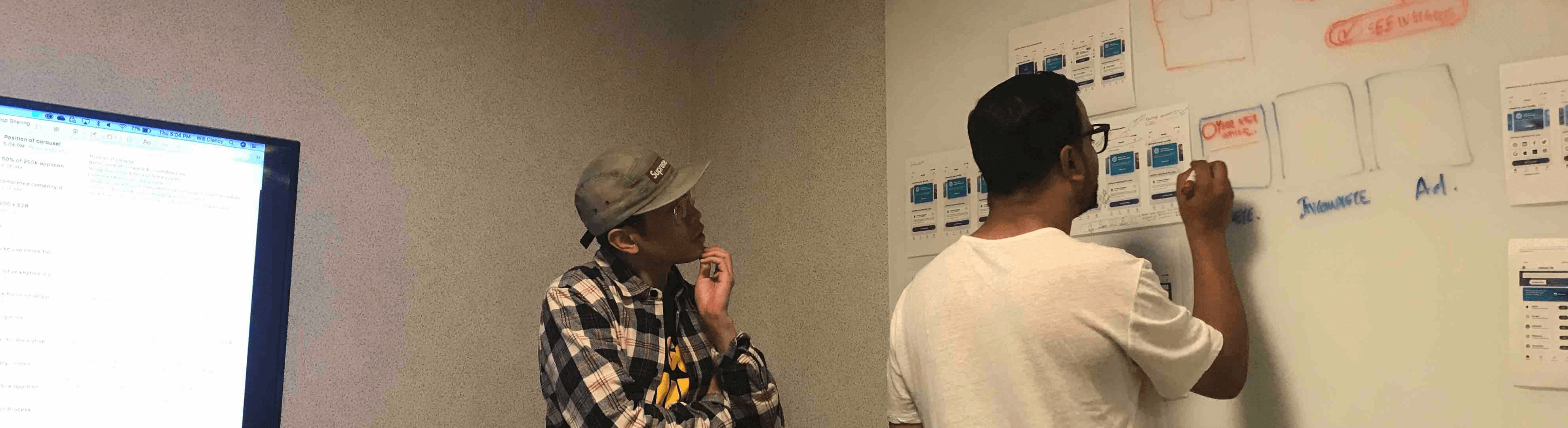
As lead product designer, I work with cross-functional teams to identify post-launch issues of Culture-fit Job App V1 and develop data-driven solutions to improve usability and design.
Problems after launch:

The onboarding process sees a major drop-off at the work history section, leading to a completion rate of only 52.70%.
Low quiz completion rates are leading less job results accuracy.
The usage of job searching is only 19.94%.
Too many colors in the app, causing a messy layout & hierarchy.
UX audit
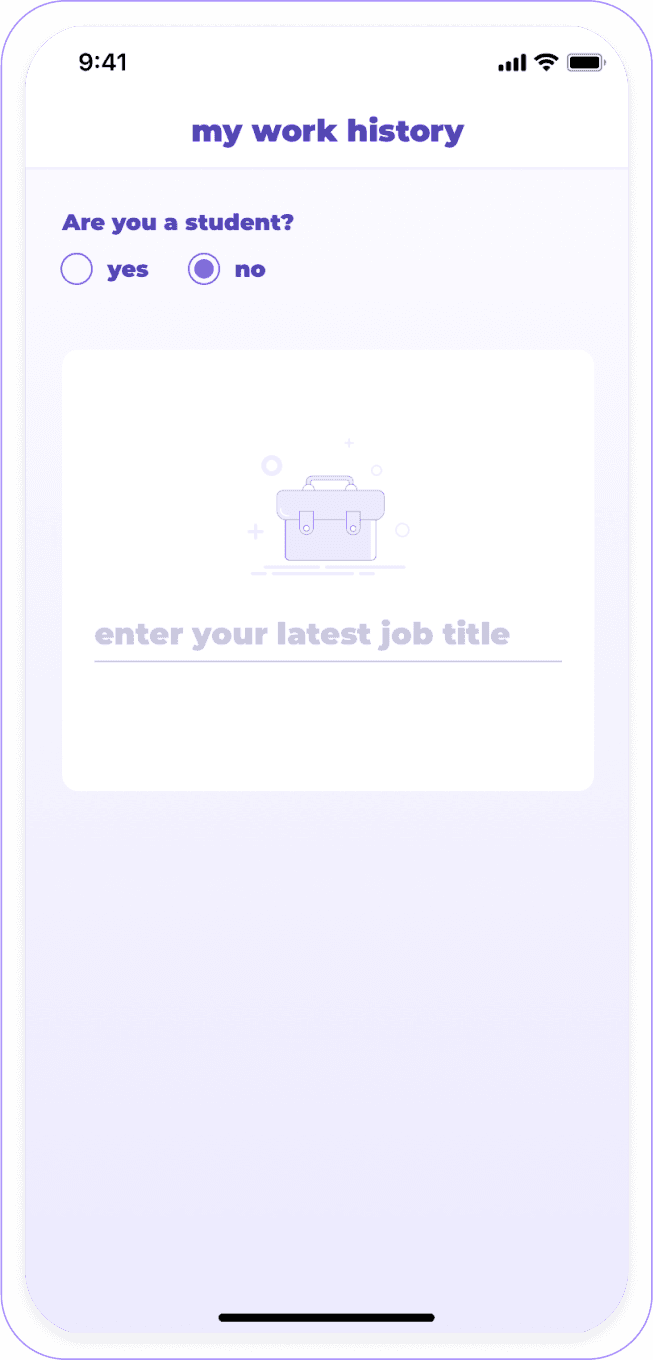
In the work history section, users didn’t know how many steps remained to finish.
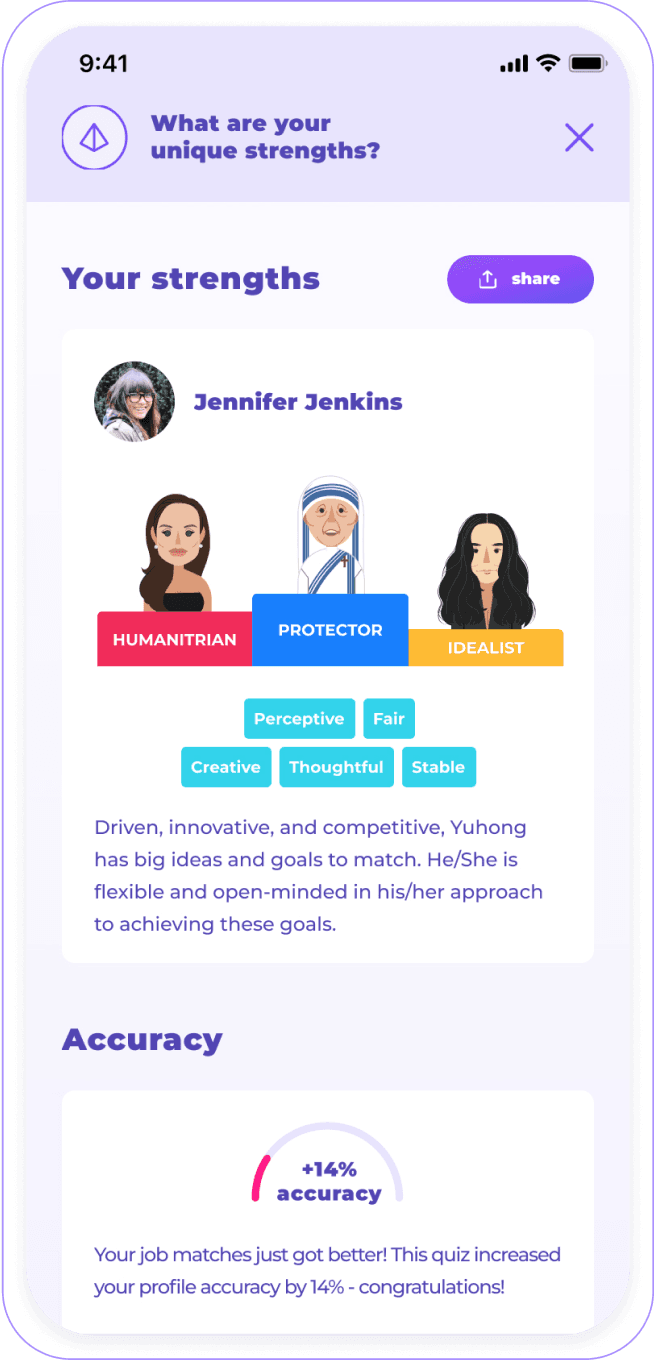
Users were unaware of how well they matched their jobs after completing the onboarding.
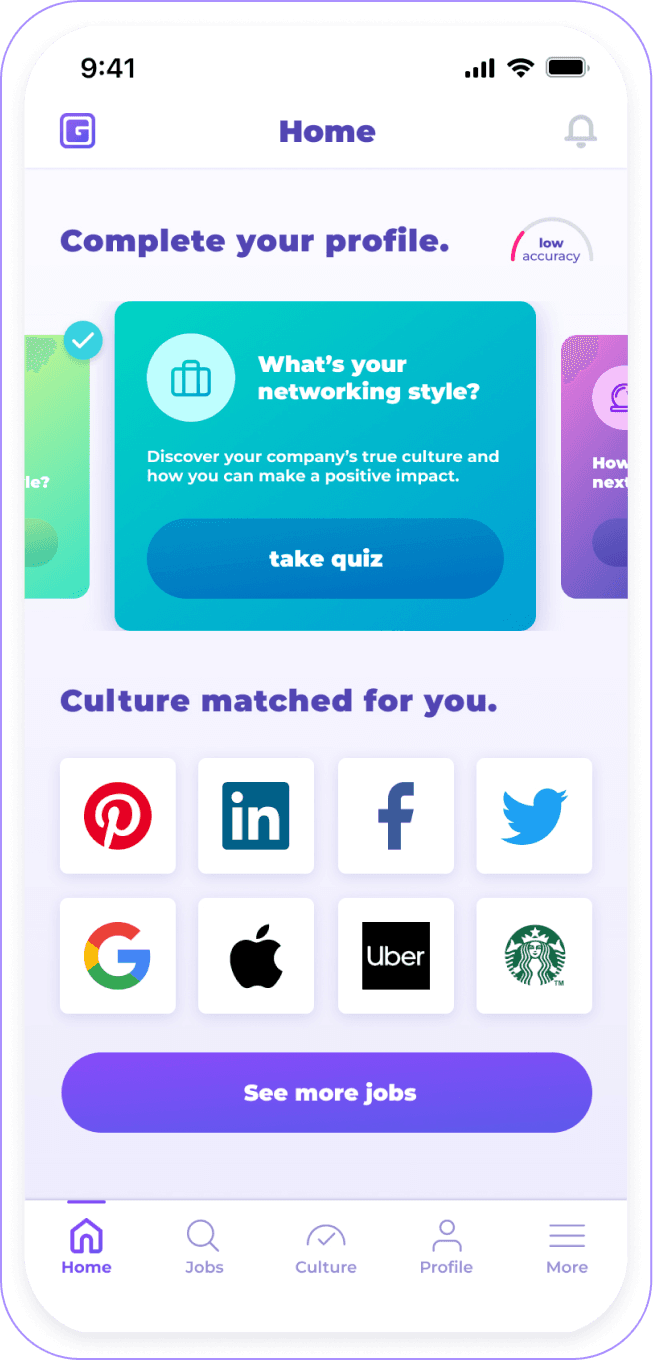
The home screen’s quiz widgets use excessive colors, and the logos show no value to users.
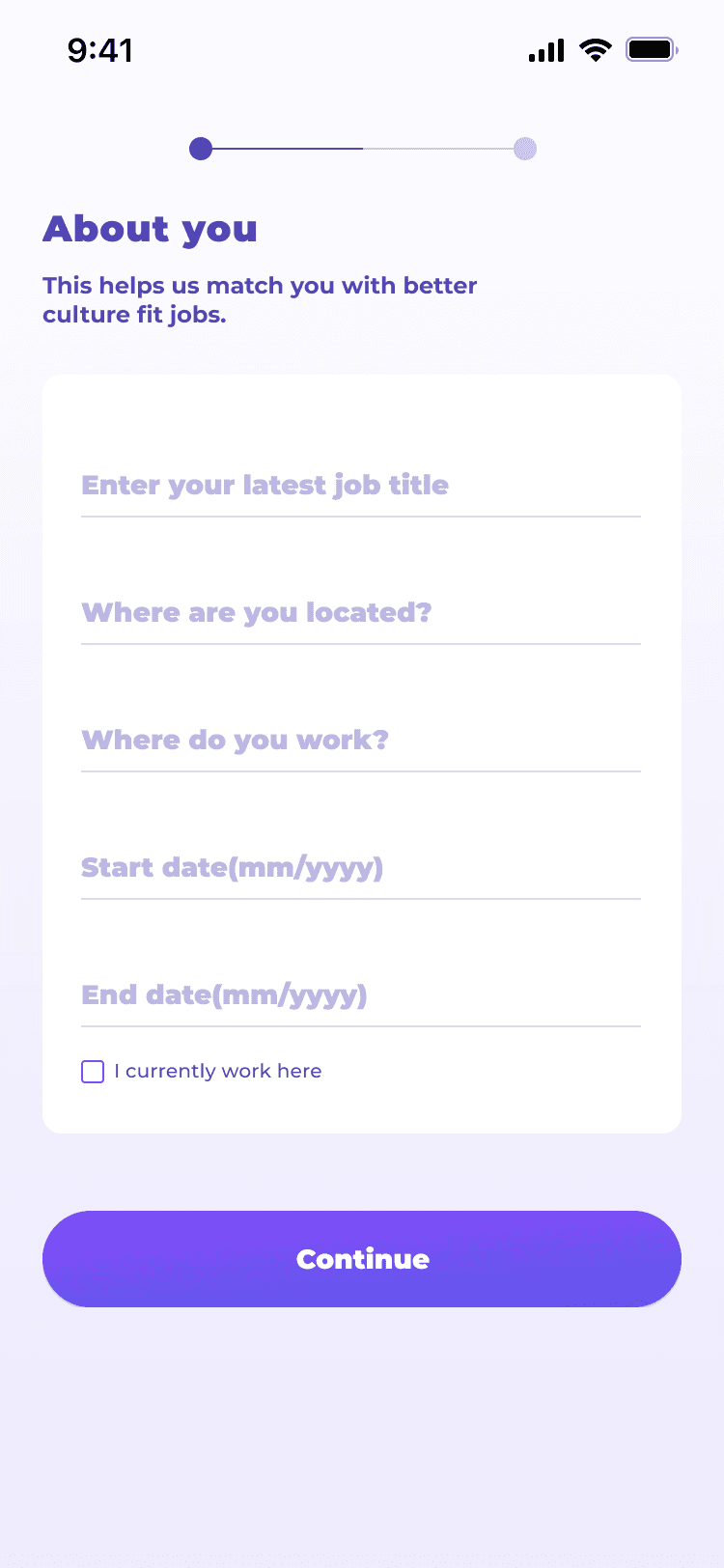
Step 1 - Simplify work history
New work history phase 1
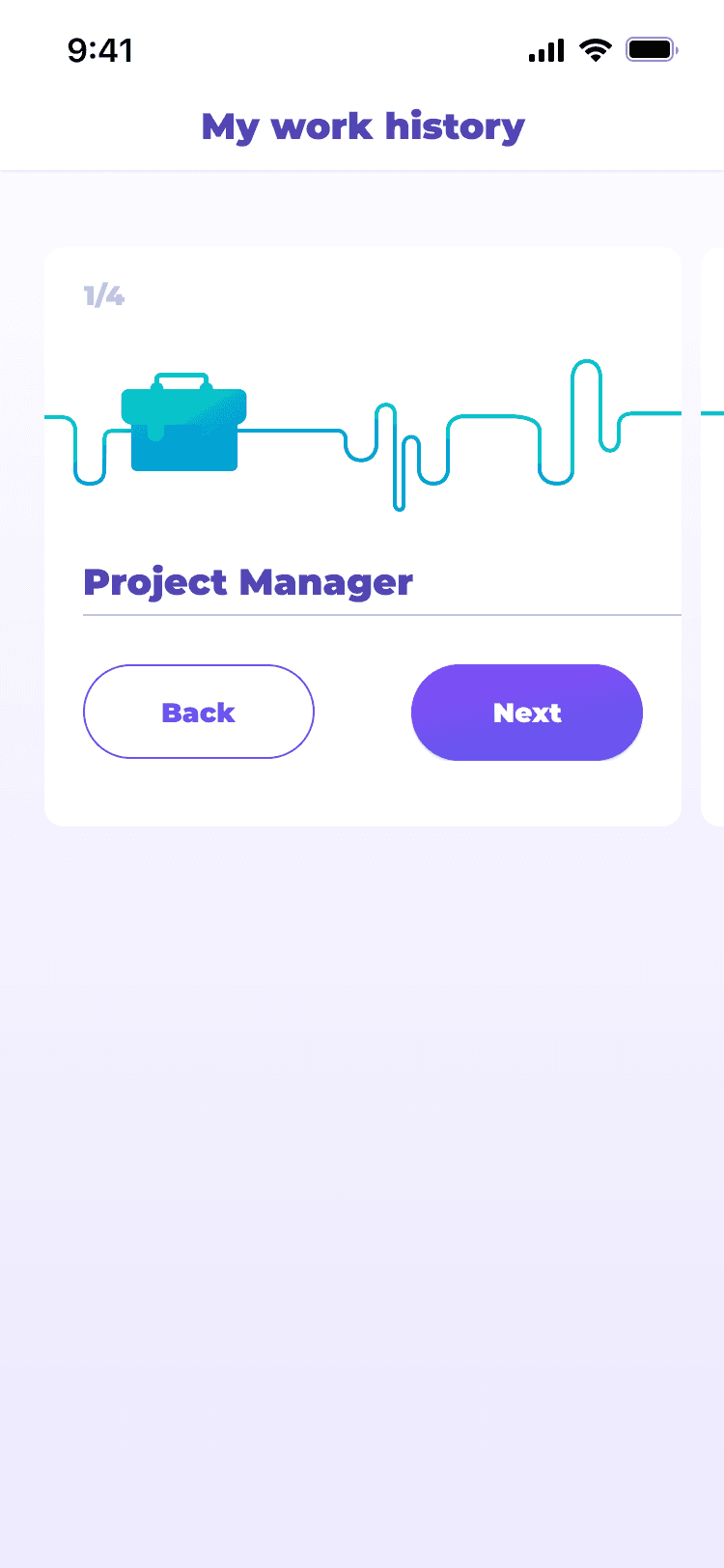
In phase 1 of the new design, I added a step indicator to show how many steps are needed in the work history process. I also introduced a new illustration and revealed part of the next card to show their connection. Once users finish the first card, they automatically move to the next, making the process clearer.
Users like the step indicator to show the step number.
The illustration show the step connection.
Too many steps in work history section.
Users were unsure if the step indicator represented the entire onboarding process or just the work history section.
New work history phase 2 (Launched)
In the second option, I consolidated all information onto a single page, giving users a more straightforward and simple work history process. They could complete everything without navigating back and forth. Testing showed all users preferred this option for its simplicity and speed.

All users preferred option 2 for its clarity, simplicity, and faster completion.
Like the onboarding step tracker.
Step 2 - Add job search at the end of onboarding
New onboarding
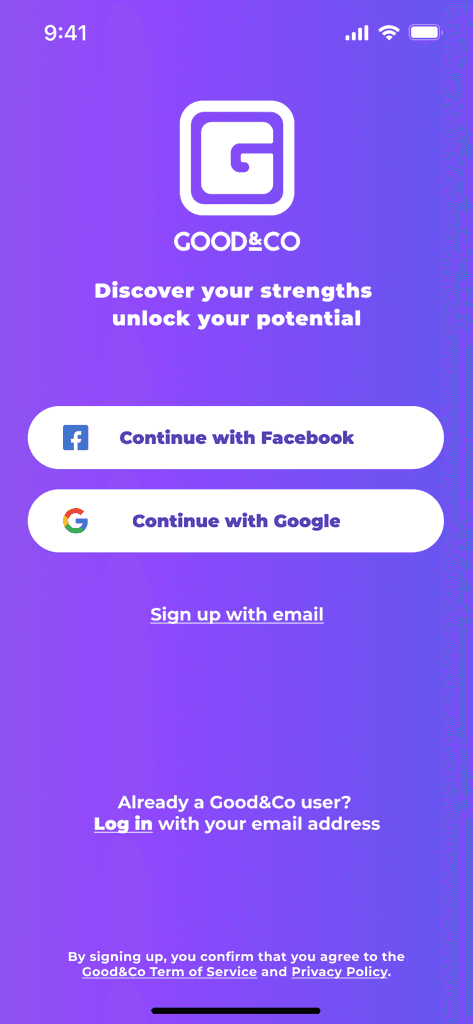
With the new work history design and adding the job search at the end of the flow, here is the new onboarding.
In the onboarding, users can now enter their work history in a single page instead of multiple ones.
Showing the job search after Quiz 1 lets users explore their personality and start searching for dream jobs right away.
Step 3 - Redesign home screen
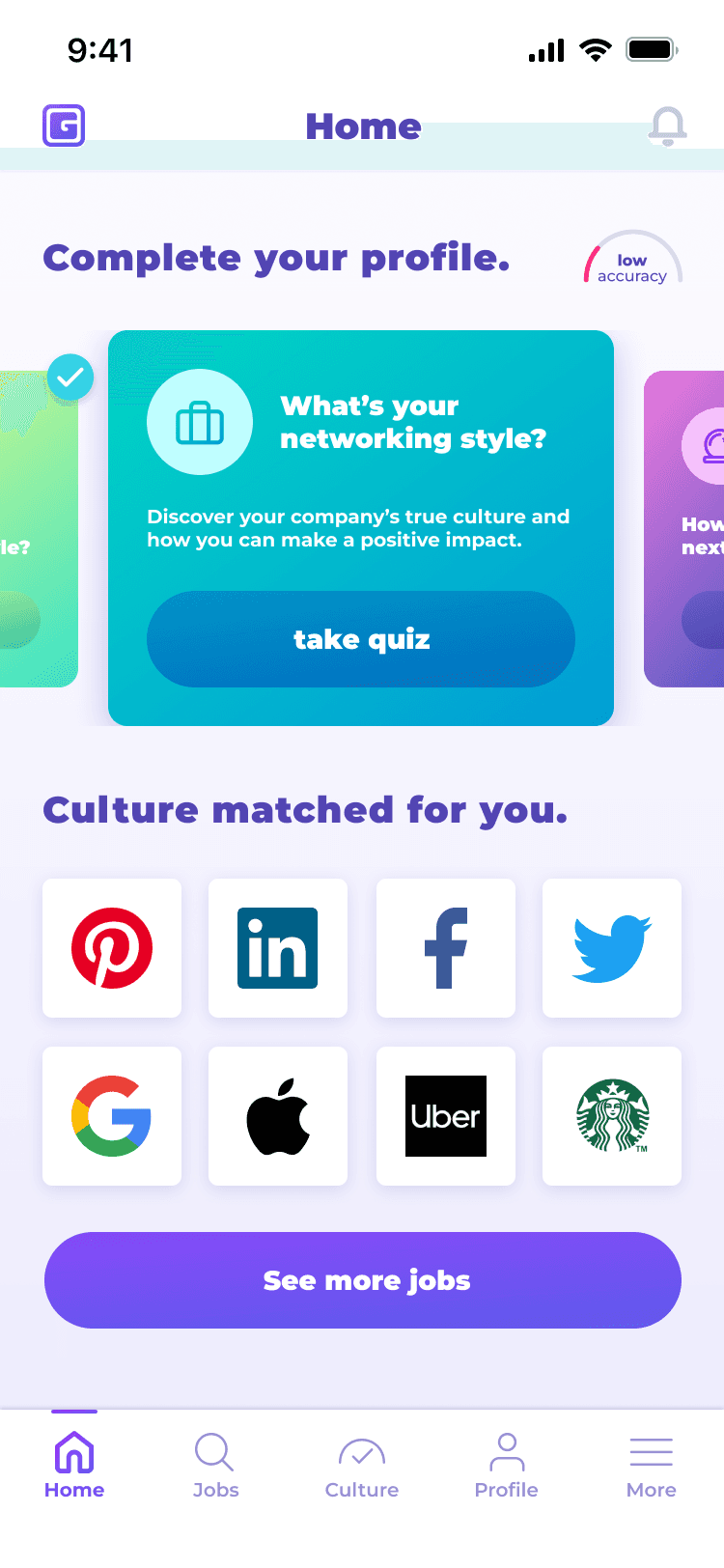
After landing to the home screen, unclear hierarchy and excessive quiz colors made actions hard to identify. The arch chart was too small and confusing, and the logo was untappable and added no value.
Home screen design

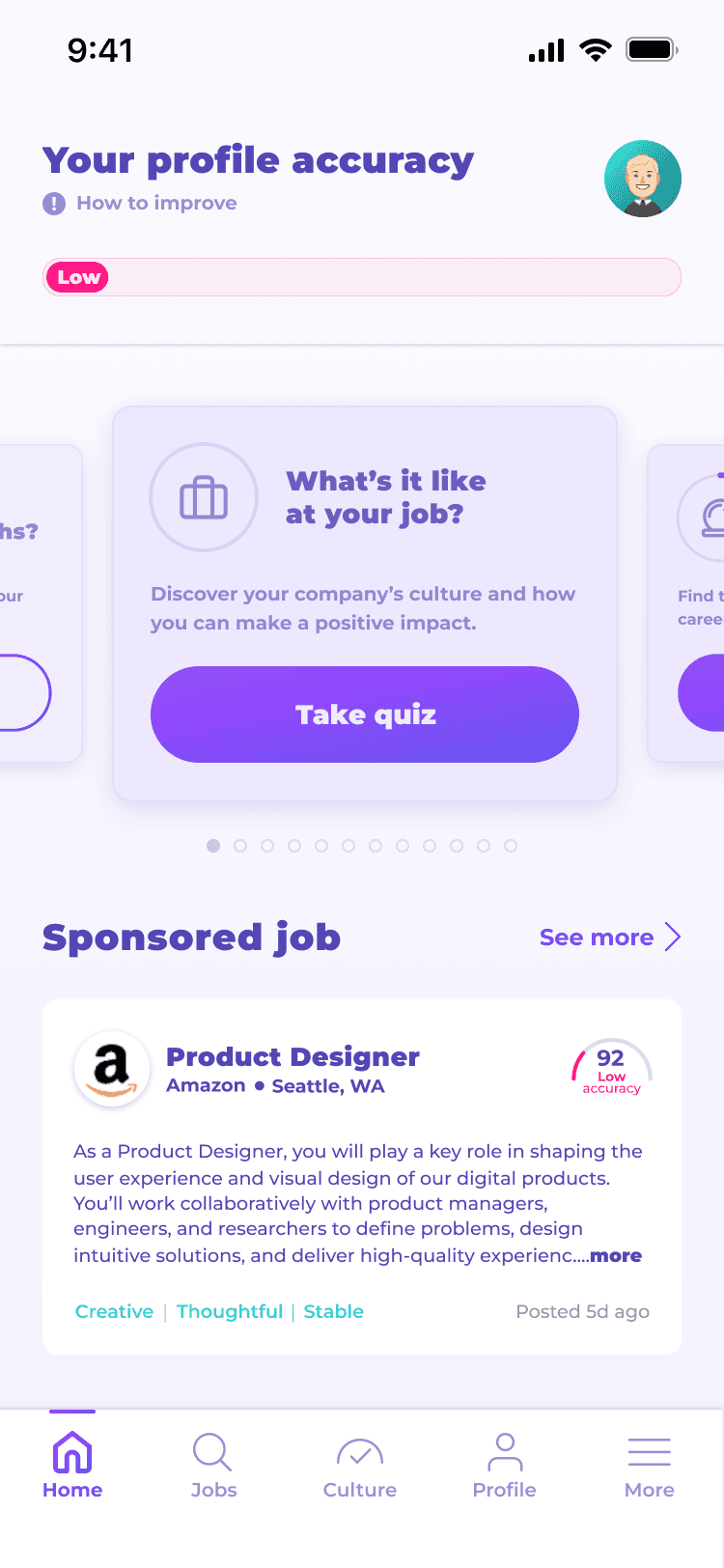
A clearer progress bar displays profile accuracy and motivates users to take more quizzes for improved job matches.
Consolidated the colors in the quiz design and highlights the main action button.
After onboarding, users see culture-fit job results on the home screen, with options to explore more on the job screen.
Success metric
Onboarding
In the first month after launch, work history completion grew by 95%, confirming the success of the new design. Onboarding completion also improved by about 10%, demonstrating that the enhanced work history flow positively influenced user engagement and onboarding rates.

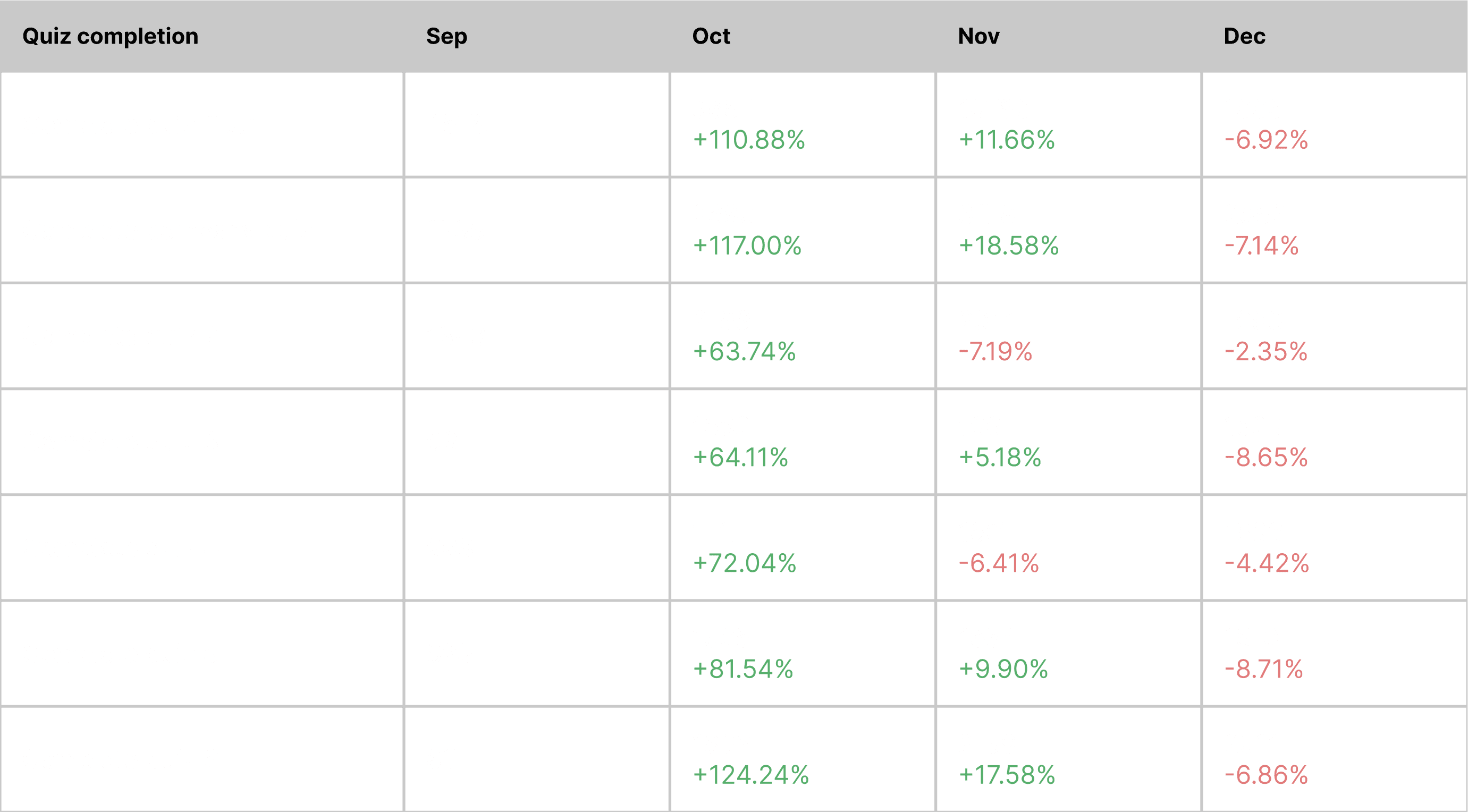
Quiz completion
Enhancing the home screen with a visible progress bar and an easily accessible “Take Quiz” button boosted quiz completion from 63% to 120%, leading to more accurate user profiles and improved job matching.
Job search
With the addition of the “Look for Job” CTA at the end of onboarding, increased quiz completion, and replacing the logo with the best-matched job on the home screen, job search usage rose by around 20%. These updates helped users discover more relevant opportunities and allowed us to better understand their preferences to deliver improved job results.

Next step
• A 10% increase in onboarding completion isn’t enough. I would conduct user research to the challenges from users.
• A 20% increase in job search usage is still low, because the job search is one of the most important features allowing users to look for their dream job. I would redesign it by integrating Totaljobs’ search engine, as the current in-app version lacks sufficient accuracy.
